Getting Access
Registration is open: sign up and start immediately, no waiting for review. An invite code isn't required — what it changes is your starting balance.
Registering
Register at socioverse.fudan-disc.com/login. The form asks for your email, a password (at least 8 characters), your name and organization (both required), and — if you have one — an optional invite code.
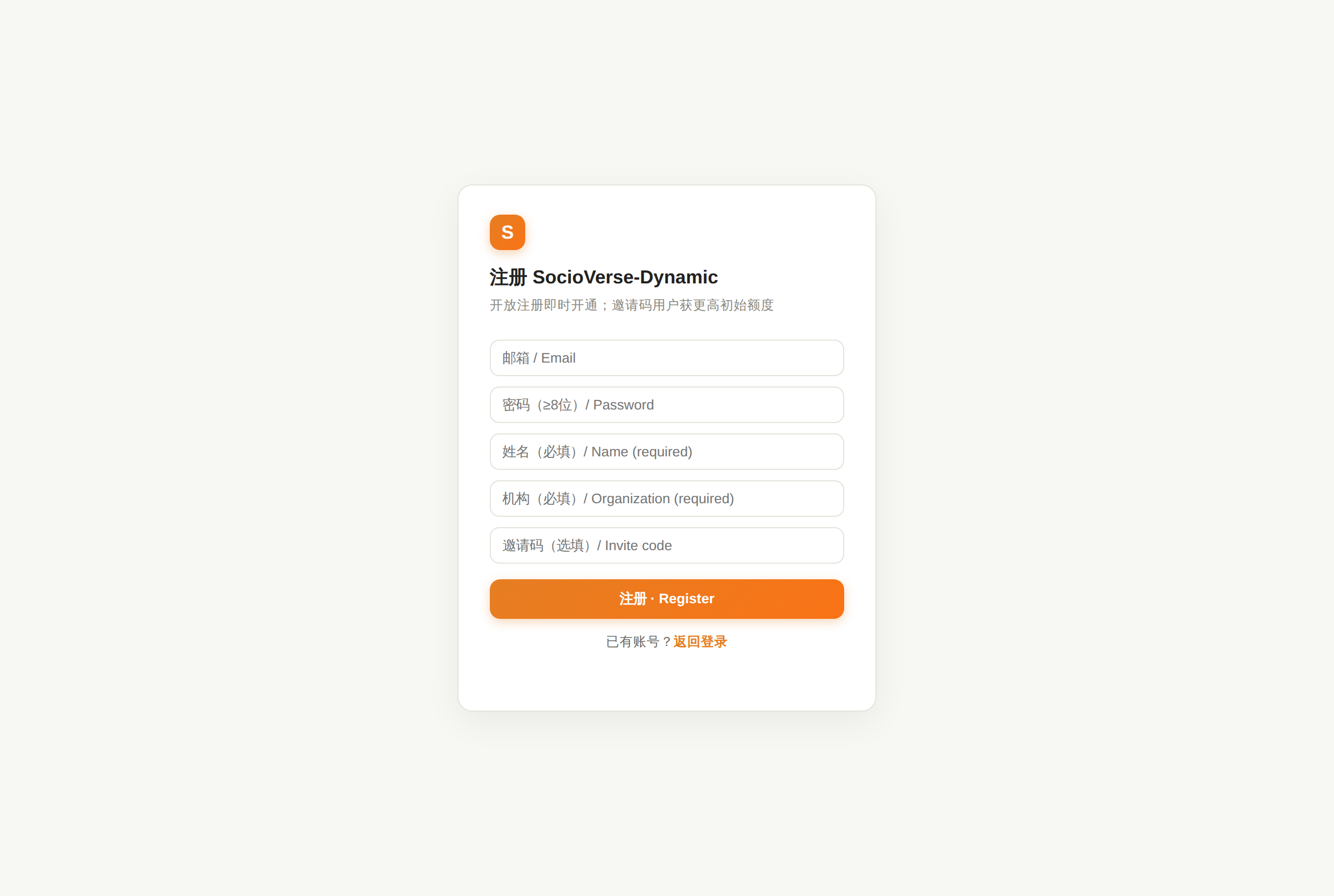
| route | what happens |
|---|---|
| Without an invite code | account opens immediately with the default balances ($10 + $10) |
| With a valid invite code | account opens immediately with a higher starting balance ($50 + $50) |
Invite codes have a limited number of uses. An exhausted or unknown code shows "邀请码无效或已用完" and the registration is not created — either fix the code or simply register without one.
Verifying your email
After the form is submitted we email you a 6-digit verification code, and the page switches to a code field. Enter it to activate the account — until you do, signing in reports "该邮箱尚未验证".
| detail | value |
|---|---|
| code validity | 10 minutes |
| attempts per code | 5, after which the code is discarded — request a new one |
| resend | available every 60 seconds via "重发验证码" |
If the code never arrives, check your spam folder first, then use "重发验证码". An unverified registration stops holding its email address after 24 hours, so you can simply register again with the same address.
Once verified you receive the bilingual welcome email. The two balances and what they pay for are explained in Quotas & Billing.
Account states
| state | meaning |
|---|---|
| unverified | registered but the emailed code hasn't been entered yet — sign-in is refused |
| approved | normal, working account — what verification creates |
| disabled | access withdrawn by the team. Any signed-in session stops working immediately |
Sessions
Signing in sets a session cookie valid for 72 hours, after which you sign in again. Signing out ends that session on the server, not just in your browser.
Emails you'll receive
All notifications are bilingual and come from no-reply@socioverse.fudan-disc.com.
| when | what |
|---|---|
| you register | "注册验证码 / Verification code" — the 6-digit code, valid for 10 minutes |
| you verify | "账号已开通,欢迎登录 / Account approved" — the welcome mail with a sign-in link |
| you request a password reset | a reset link, valid for 2 hours |
If none of these arrive, check your spam folder before writing in — automated mail from a new domain is often filtered.
Forgetting your password
Use "忘记密码 / Forgot password" on the sign-in page. Enter your email and a reset link is sent.
- The page always reports success whether or not the address is registered — that's deliberate, so the form can't be used to discover who has an account.
- The link is single-use and expires after 2 hours; requesting a new one invalidates the old.
- Completing a reset signs you out everywhere, on every device.
If mail is unavailable
If the service reports "邮件服务未配置,请联系管理员重置", self-service reset is temporarily unavailable and you'll need to contact the team directly.
After you sign in
You land on the study list — your workspace, with the bundled reference studies already in it. The first visit takes a little longer than later ones: your private workspace is being started, and the page shows "Waking up your workspace…" while that happens. It usually takes seconds; if it is still spinning after about a minute, reload.
Continue to The Workbench.